微信小程序 swiper + scroll-view = ?
微信小程序 swiper + scroll-view = ?
最近用 swiper + scroll-view 做了一个好玩的(提升用户体验)看下图
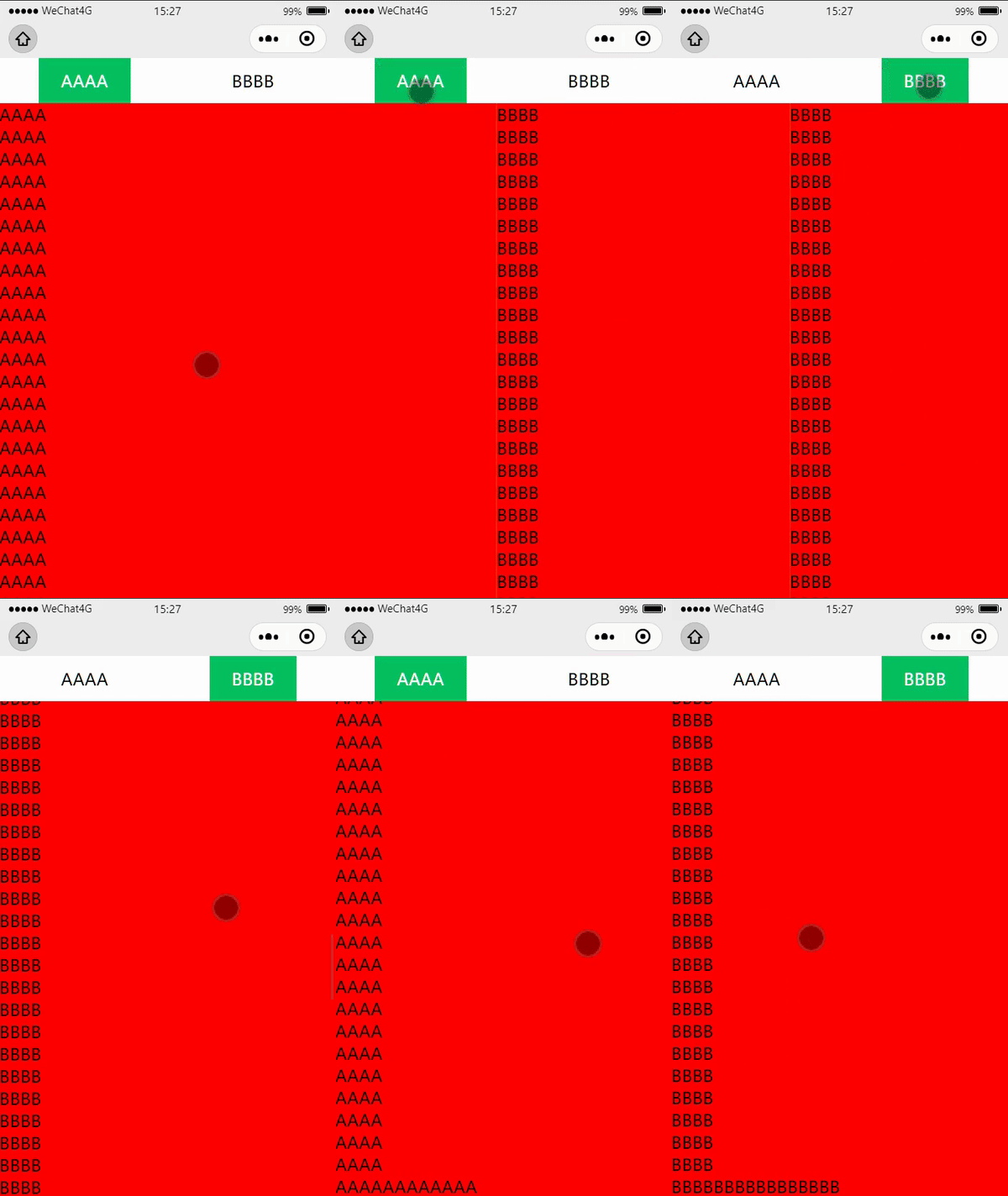
很多 app 中都有具体应用场景 (微信小程序订单) (淘宝首页) (QQ 音乐)



我在小程序中的应用
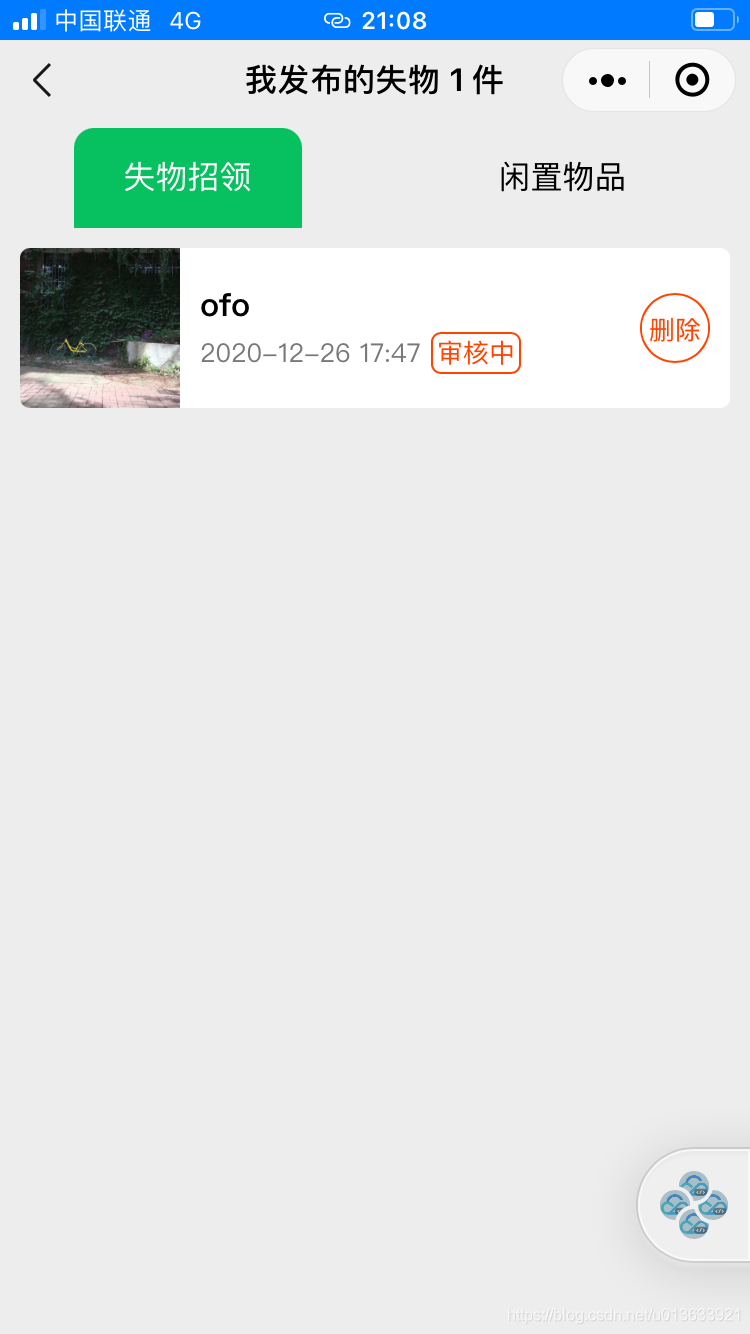
show me the code
<view class="all">
  <view class="head-title" bindtap="clickHead">
    <view class="{{headOneTitle}}">A</view>
    <view class="{{headTwoTitle}}">B</view>
  </view>
  <swiper current="{{ currentNum }}" bindchange="swiperChanged">
    <swiper-item>
      <scroll-view scroll-y="true">
        <view>A</view>
        <view>A</view>
      </scroll-view>
    </swiper-item>

    <swiper-item>
      <scroll-view scroll-y="true">
        <view>B</view>
        <view>B</view>
      </scroll-view>
    </swiper-item>
  </swiper>
</view>
.all {
  height: 100vh;
  width: 100%;
  display: flex;
  flex-direction: column;
}

.bigTitle {
  color: #fff;
  background-color: #07c160;
}

.head-title {
  display: flex;
  flex-direction: row;
  justify-content: space-around;
  align-items: center;
  height: 100rpx;
}

.head-title view {
  height: 100rpx;
  line-height: 100rpx;
  padding: 0 50rpx;
}

swiper {
  /* background-color: yellow; */
  width: 100%;
  flex: 1;
}

scroll-view {
  background-color: red;
  height: 100%;
  width: 100%;
}
Page({
  data: {
    headOneTitle: "bigTitle",
    headTwoTitle: "",
    currentNum: 0,
  },

  // 设置 head title style
  setHeadTitle: function (a) {
    console.log(a);

    if (a) {
      this.setData({
        headOneTitle: "",
        headTwoTitle: "bigTitle",
      });
    } else {
      this.setData({
        headOneTitle: "bigTitle",
        headTwoTitle: "",
      });
    }
  },

  swiperChanged: function (e) {
    let a = e.detail.current;
    this.setHeadTitle(a);
  },

  clickHead: function () {
    if (!this.data.headOneTitle) {
      this.setData({
        currentNum: 0,
      });
    } else {
      this.setData({
        currentNum: 1,
      });
    }
  },
});
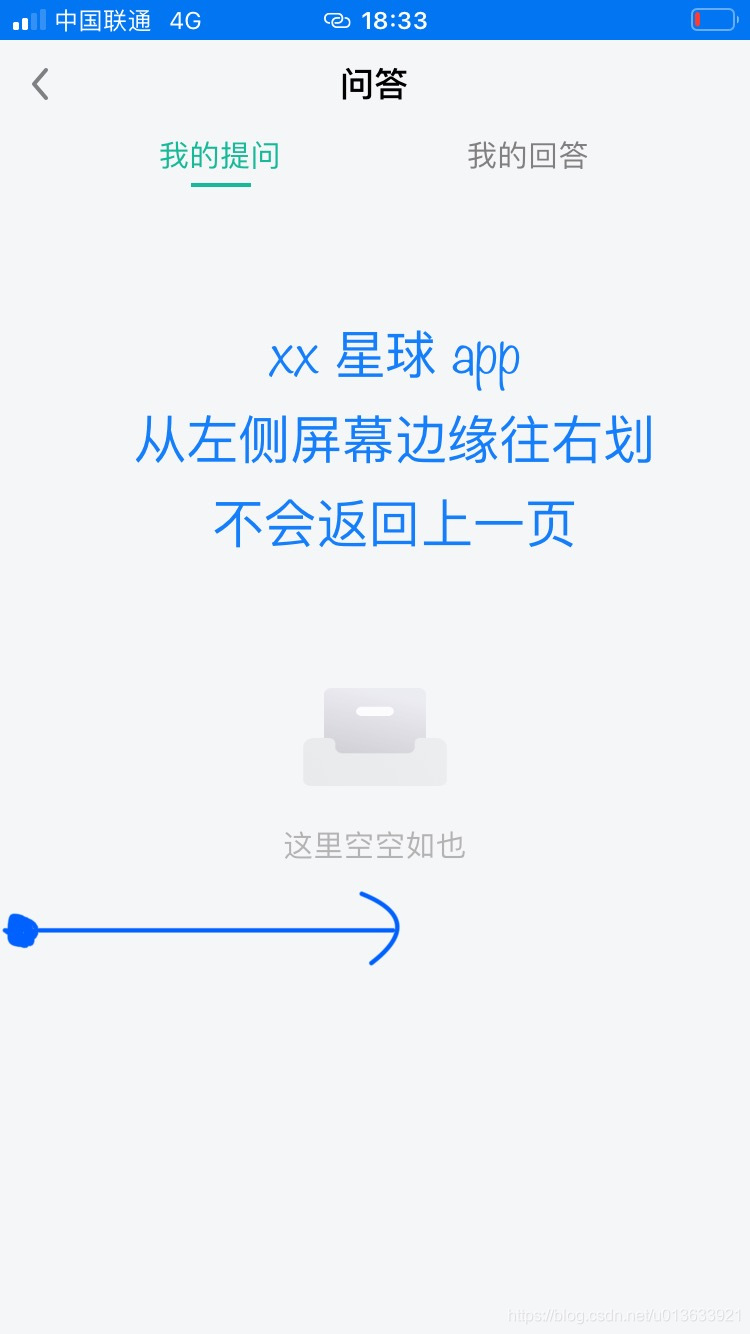
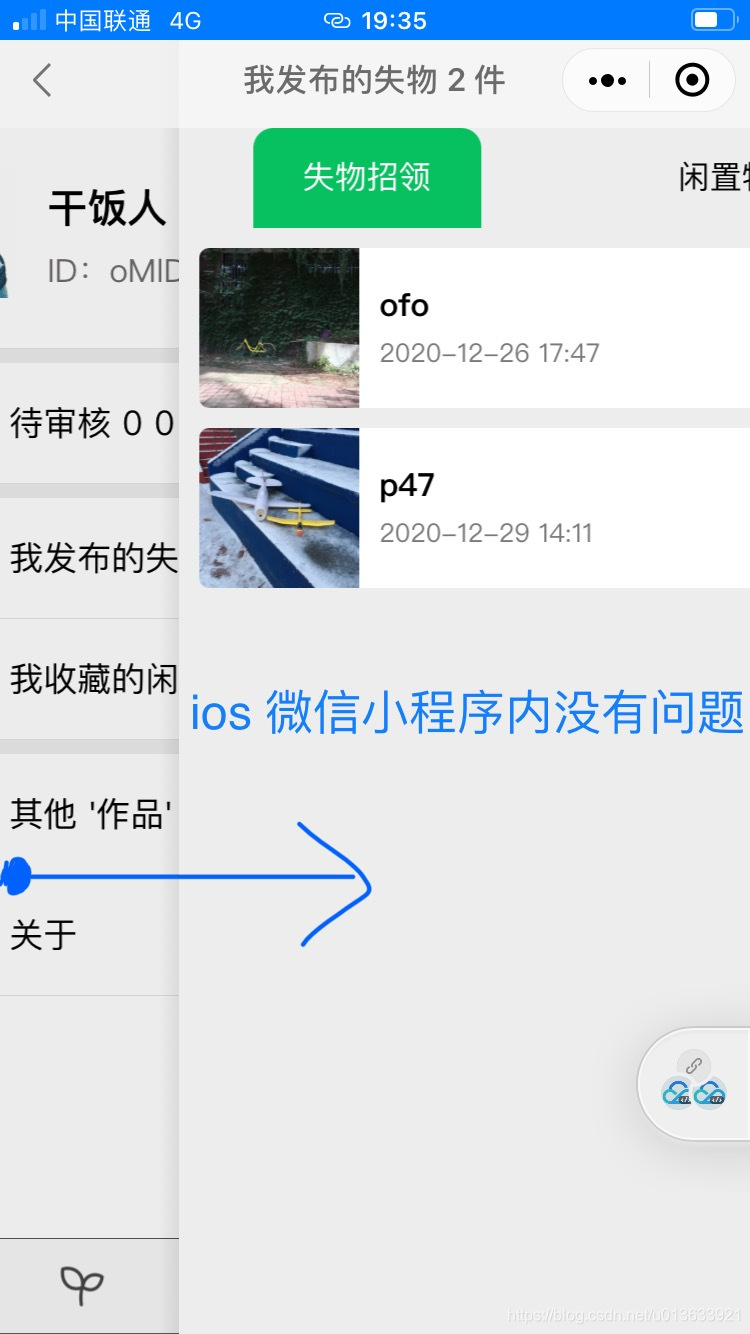
用户体验上
我的个人网站 --> 点击访问
END
写完这个博客,发现 csdn 上早有分享
2021-02-21 改了一个三个的(html css js 我就不分开了)
<view class="all">

    <view class="head" bindtap="onClickHead">
        <block wx:for="{{ list }}" wx:key="_id">
            <view class="{{ item.active ? 'green' : '' }}" data-index="{{ item.id }}">{{ item.title }}</view>
        </block>
    </view>

    <swiper current="{{ currentNum }}" bindchange="swiperChanged">
        <swiper-item>
            <scroll-view scroll-y="true">
                <view>A</view>
                <view>A</view>

            </scroll-view>
        </swiper-item>

        <swiper-item>
            <scroll-view scroll-y="true">
                <view>B</view>
                <view>B</view>

            </scroll-view>
        </swiper-item>

        <swiper-item>
            <scroll-view scroll-y="true">
                <view>C</view>
                <view>C</view>

            </scroll-view>
        </swiper-item>

        <!-- <swiper-item>
            <scroll-view scroll-y="true">
                <view>D</view>
                <view>D</view>

            </scroll-view>
        </swiper-item> -->

    </swiper>
</view>


.all {
    height: 100vh;
    width: 100%;
    display: flex;
    flex-direction: column;
}

.head {
    display: flex;
    flex-direction: row;
    justify-content: space-around;
    align-items: center;
    height: 100rpx;
}

.head view {
    height: 100rpx;
    line-height: 100rpx;
    flex: 1;
}

.green {
    background-color: #07c160 !important;
}

swiper {
    /* background-color: yellow; */
    width: 100%;
    flex: 1;
}

scroll-view {
    background-color: red;
    height: 100%;
    width: 100%;
}


Page({
    data: {
        currentNum: 0,
        list: [{
            id: 0,
            title: 'A',
            active: true
        },
        {
            id: 1,
            title: 'B',
            active: false
        },
        {
            id: 2,
            title: 'C',
            active: false
        },
            // {
            //  id: 3,
            //  title: 'D',
            //  active: false
            // },
        ]
    },

        // reSet head active style
        reSetHeadActive: function () {
            for (let i = 0; i < this.data.list.length; i ++) {
                // console.log(this.data.list[i])
                if ( this.data.list[i].active === true ) {
                    let temp = "list[" + i + "].active"
                    this.setData({
                        [temp]: false
                    })
                }
            }
        },

        // set head active style
        setHeadActive: function (a) {
            console.log('change to', a)
            this.reSetHeadActive()
            let temp = "list[" + a + "].active"
            this.setData({
                [temp]: true
            })
        },

        swiperChanged: function (e) {
            let a = e.detail.current;
            this.setHeadActive(a);
        },

    onClickHead: function (e) {
        console.log('tap num', e.target.dataset.index)
        this.setData({
            currentNum: e.target.dataset.index
        })
    }
})
上面的 3 个很容易变成 4 个 (也就是把上面 wxml js 中的注释打开。顶多就 5 个吧)
- js list 数组中再加 添加一个对象 (类似注释)
- wxml 再加 swiper-item (类似注释)
'%3e%3cg%20id='编组备份-7'%20transform='translate(0.000000,%2052.000000)'%3e%3cg%20id='编组'%20transform='translate(22.000000,%20200.000000)%20rotate(-180.000000)%20translate(-22.000000,%20-200.000000)%20translate(14.000000,%20192.000000)'%3e%3crect%20id='矩形'%20x='0'%20y='0'%20width='16'%20height='16'%3e%3c/rect%3e%3cpath%20d='M8.16396103,4%20L9.57817459,5.41421356%20L14.5279221,10.363961%20L13.1137085,11.7781746%20L8.164,6.829%20L3.21421356,11.7781746%20L1.8,10.363961%20L8.16396103,4%20Z'%20id='形状结合'%20fill='%23FF6A00'%20transform='translate(8.163961,%207.889087)%20rotate(-180.000000)%20translate(-8.163961,%20-7.889087)%20'%3e%3c/path%3e%3c/g%3e%3c/g%3e%3c/g%3e%3c/g%3e%3c/svg%3e)